Your comments

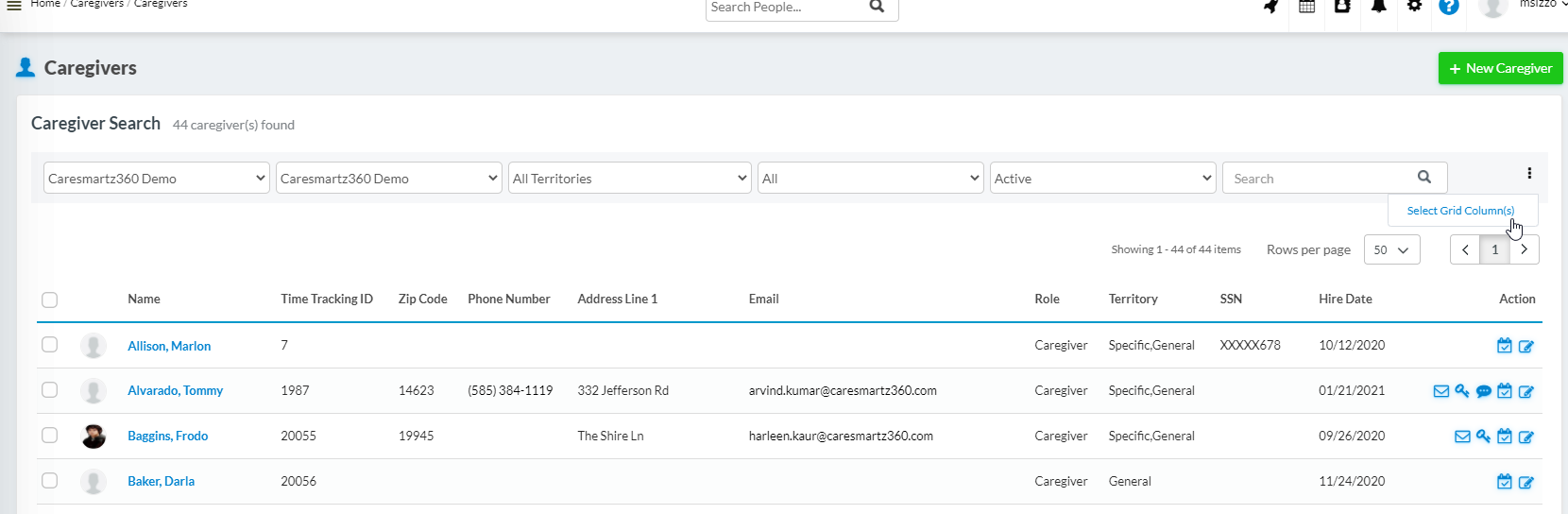
You can add the ZIP code column by using the three small dots in the upper right corner of the screen to select your grid columns.
In your caregiver profile, you can select how far a caregiver is willing to travel, but that would not be helpful for you in the prospective client process.
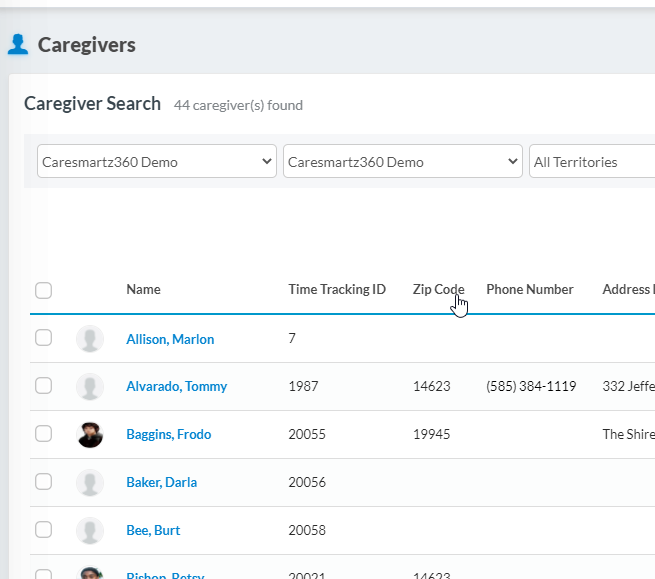
Would it help to sort your caregivers by ZIP code? You can do this on the Caregiver search page, by clicking on the column header. Then, you can see if any caregivers live in the same ZIP code or a nearby ZIP code.
You could also create territories in your portal. Each territory could represent a group of ZIP codes or a group of suburbs. You would assign each client to 1 territory, and your caregivers could be assigned to 1 or more, depending on where they live.
Here is a link to a video of how to use this feature: https://intercom.help/caresmartz/en/articles/3164210-territories
Hi Bruce!
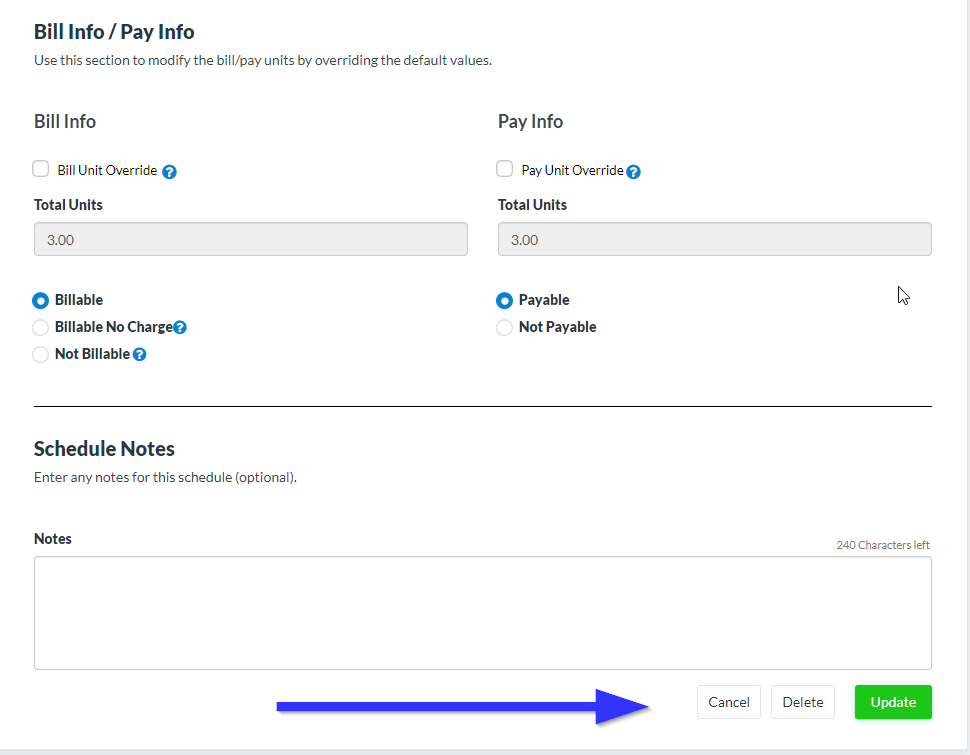
Is there where you want it? in the window where the schedule is created?
Roger,
Can you please provide some use cases? What would you be putting in as compliance items?
This is where SMS messages are managed.
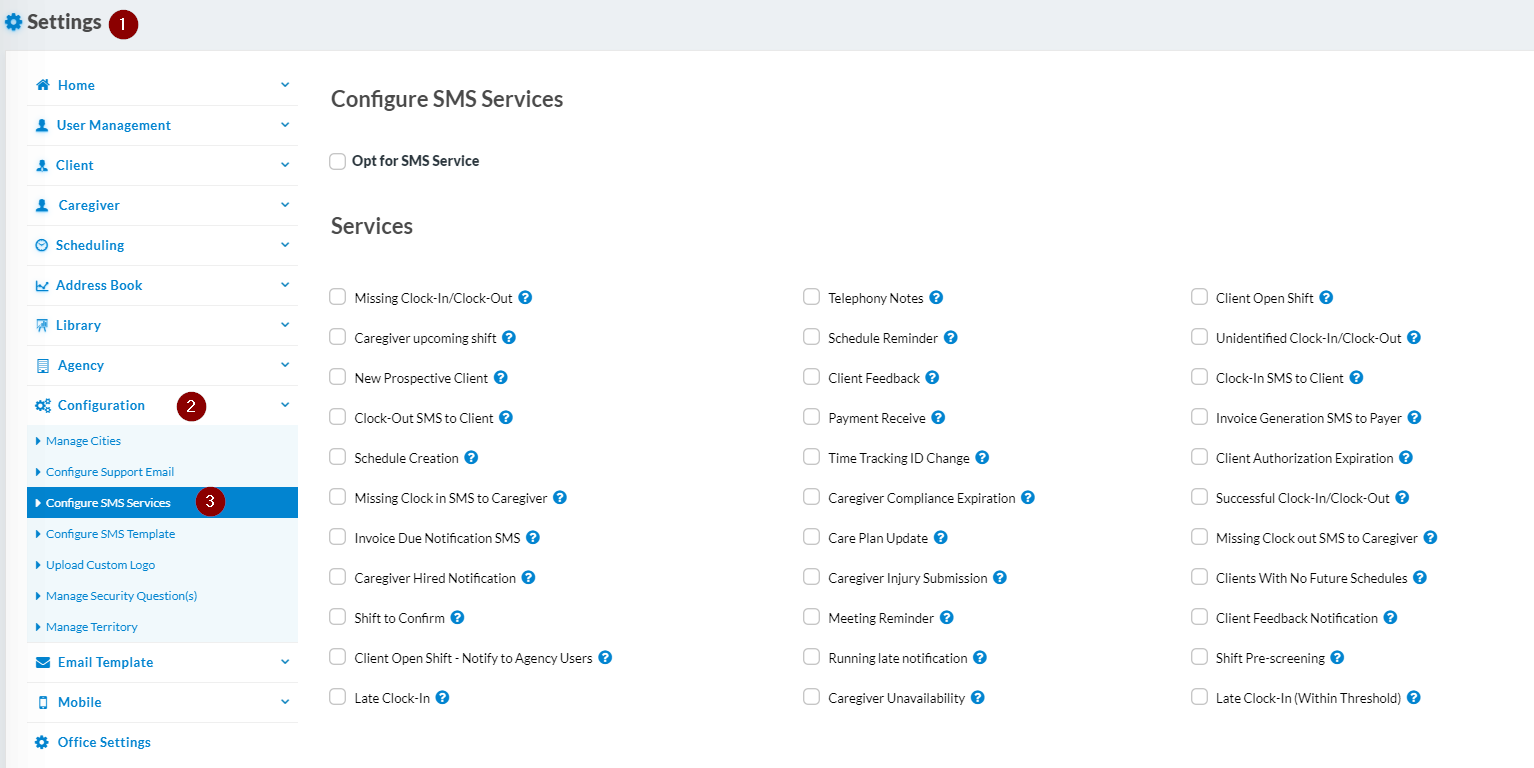
Caregiver Upcoming Shift will be sent at midnight, and it will remind your caregivers of all their shifts for the coming day. If you don't want them to get that, you can uncheck that option.
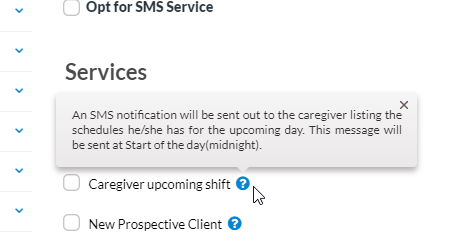
If they are getting a reminder for a specific shift, the time for that is set in the Office Settings>Main tab

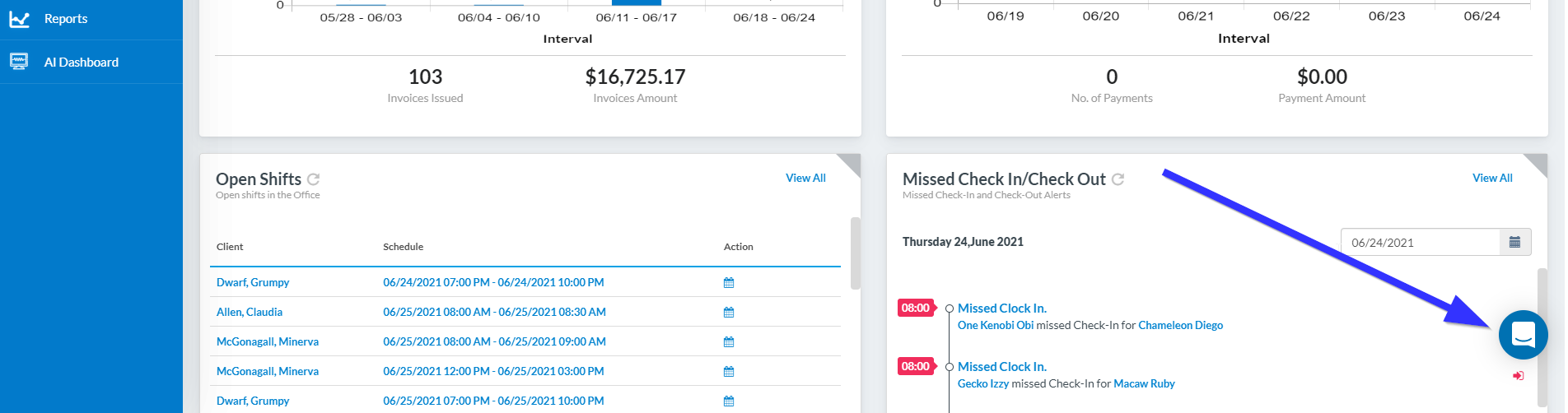
If you continue to have this problem, please use the chat feature from your CareSmartz portal, and one of our support team can help you further tweak the settings to be what you want.
Customer support service by UserEcho


Hi Vanessa,
Have you considered using our Territories feature? That might work for what you need. Care Coordinators would be ABLE to see everyone, but it would be much easier to filter on the schedule calendar screen.
Here is an article about this feature: http://help.caresmartz360.com/en/articles/5541244-territories